
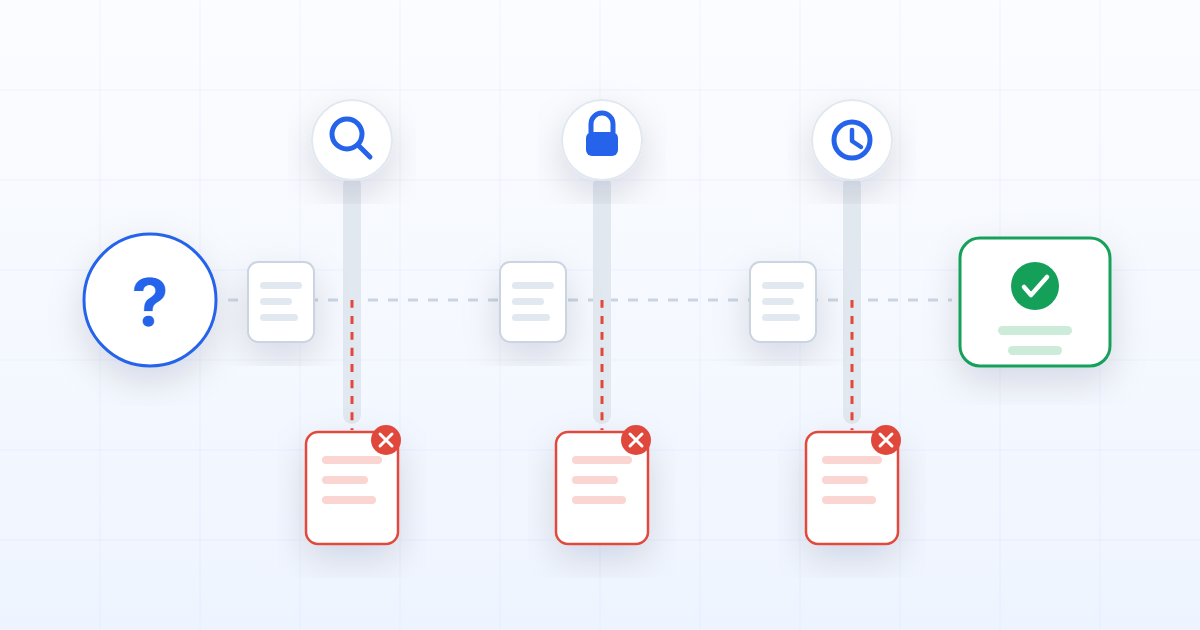
An assistant that answers from your documents is doing something narrower than it appears. It is not consulting your organisation's knowledge. It is retrieving some passages, and writing fluent prose about them. Everything that decides whether the answer is right happens before the model is involved.
There are three failure points, and they fail differently.
1. It retrieved the wrong passage
Semantic search finds text that resembles the question. Resemblance is not relevance, and the gap between them is where most bad answers come from.
Ask "what is our notice period" and a search will happily return the paragraph about notice periods in a supplier contract, a draft policy nobody adopted, and the correct clause from the employee handbook — all three genuinely about notice periods. If the ranking puts the draft first, the answer quotes the draft.
The fix is not a better model; it is narrower retrieval. Search inside the case, the process or the document type the question belongs to, rather than across everything. An assistant that knows a question is about this dossier is answering a much easier question than one searching a corpus.
2. The reader was not allowed to see it
This is the failure that is not a quality problem but an incident.
If retrieval runs with the application's own access rather than the asker's, the assistant becomes a way to read documents through a system that never checks who is asking. The answer looks helpful. There is no error, no warning, and nothing in the transcript says a boundary was crossed — which is precisely why it can go on for a long time before anyone notices.
The rule that avoids it is unglamorous: permissions are applied when the passages are selected, not when the answer is displayed. Filtering the output is too late, because the model has already read the document and will paraphrase it. Anything the asker cannot open must not enter the context at all.
3. The document was no longer current
The third one is the quietest. A superseded policy, an expired certificate, a contract that was renegotiated — each is a perfectly good document that stopped being true. Nothing about the file says so. It is still well written, still on topic, still the best semantic match.
This is where retrieval quality stops being an AI problem and becomes a governance one. If the system knows which version supersedes which, which documents have expiry dates and which have passed them, retrieval can prefer the current one and say when it is quoting something historical. If the system does not know, no amount of prompt engineering recovers it — the information simply is not there.
The uncomfortable summary
Two of the three failures above are not fixed inside the assistant. They are fixed by the documents being governed underneath it: scoped so that retrieval can be narrow, permissioned so that selection can be filtered, and versioned so that "current" is a fact rather than an assumption.
This is why "we will add AI later" tends to be an expensive plan. The assistant does not add capability to a document estate; it exposes the state of one. An organisation whose documents are complete, current and access-controlled gets an assistant that is useful almost immediately. An organisation whose documents are none of those gets a confident narrator of its own worst records.
What to check before blaming the model
If an assistant is giving wrong answers over your own documents, work through these in order — the cause is almost always in the first three.
- What did it actually retrieve? If you cannot see the passages behind an answer, you cannot debug anything. Sources are not a nicety; they are the only diagnostic.
- Whose permissions were used? Ask a question you know touches a restricted document, from an account that should not see it.
- Was the source current? Check whether the quoted document is the live version.
- Only then look at the prompt or the model.
The order matters because it goes from cheapest to most expensive, and because the first three explain most of what people blame on the fourth.